In the rapidly evolving world of decentralized finance, users often face fragmented experiences when staking assets across various protocols. The challenge was to design a unified platform that simplifies this process, making asset staking intuitive and accessible for all users.
Client
Lithium Digital Ltd.
DELIVERABLES
Product Website (Desktop and Mobile),
Responsive Dashboard
Year
2024
Role
Product Designer
What I Stepped Into
When I joined the team at Lithium Digital, the product was just an idea. We planned to offer multi-protocol staking, which allows users to stake and manage assets across various blockchain protocols. We needed a design to support basic user tasks and a UI that aligns with our brand direction.
My role was to design the staking experience — not just visually, but structurally — so that users (new and experienced) could onboard, stake, and manage assets confidently.
I worked alongside a small cross-functional team: engineers, our brand and content team, and our heads of growth.
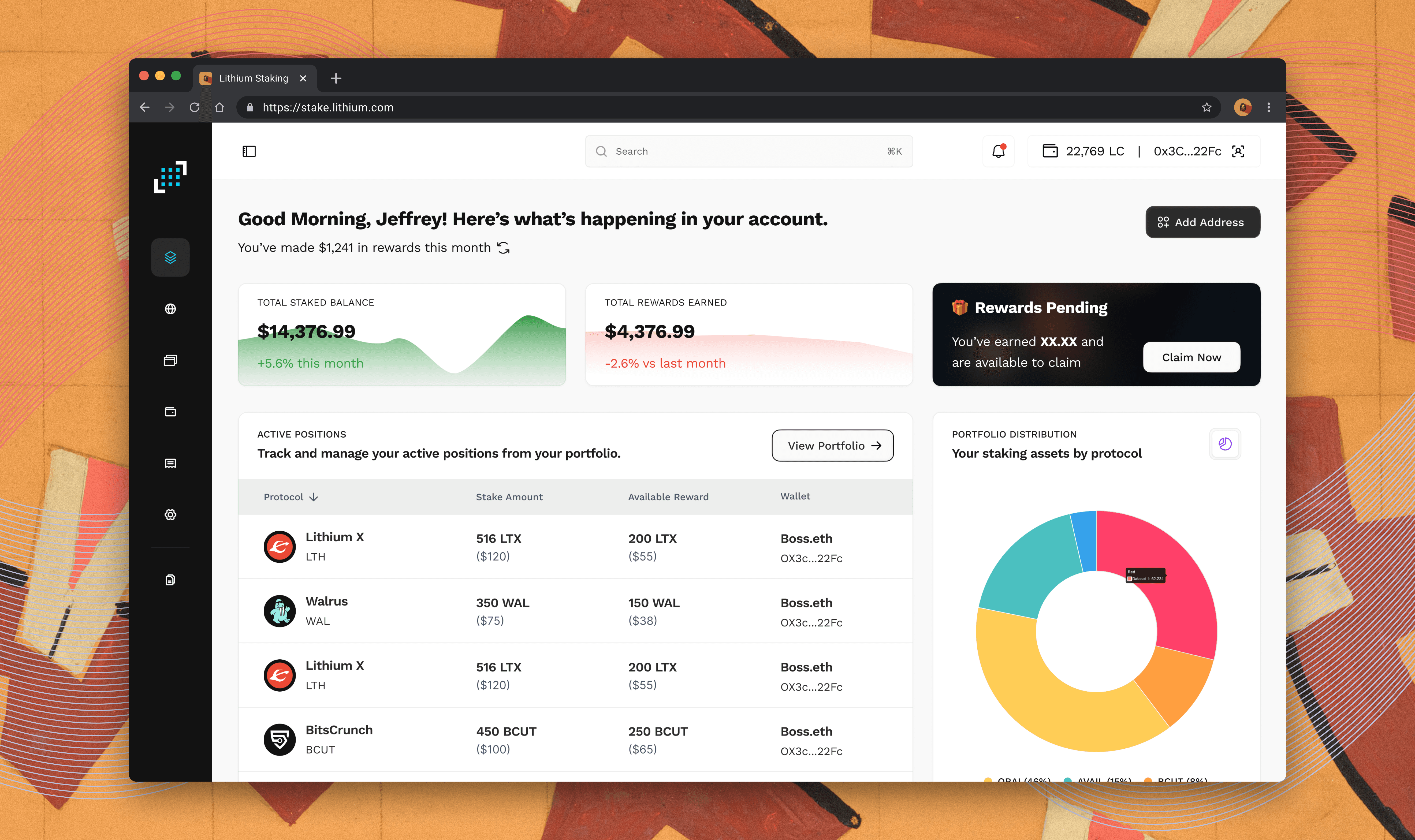
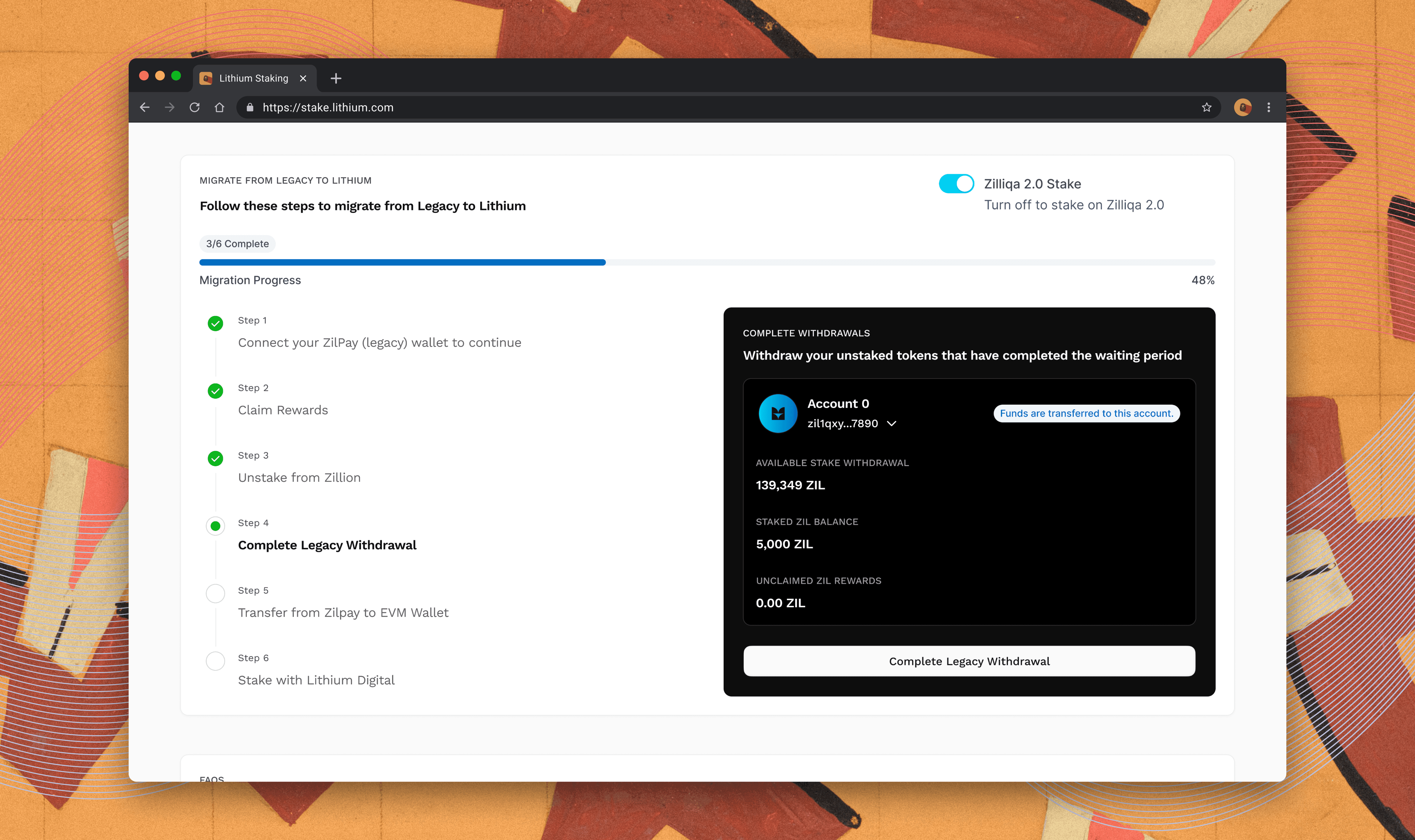
User Dashboard
How I Thought About It
From day one, I knew we couldn’t just repaint the UI — we needed to rethink how staking was explained and experienced.
Key principles I used to guide the design:
Design for “minimum certainty” → What does a first-time user need to see in the first 10 seconds to feel safe?
Show, don’t overwhelm → Make every step in the flow lightweight, progressive, and clearly labeled
Design mobile-first, not mobile-also → Structure content vertically first, then layer up to desktop
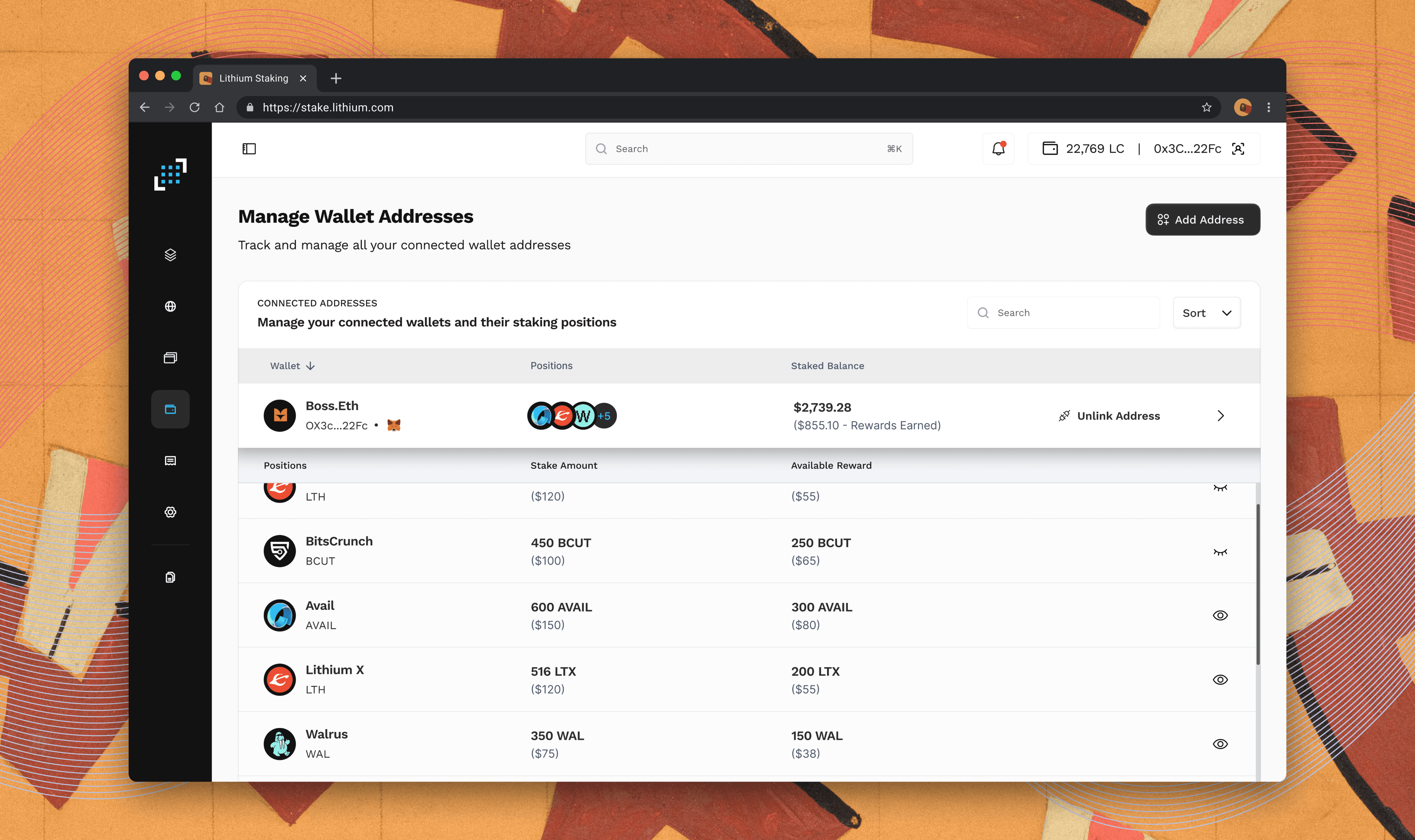
Wallet Management
What We Tried and Changed
We began with low-fidelity wireframes, testing early versions of the staking flow with internal users and early adopters. A few ideas we tried (and changed):
Version 1 showed all protocols in a list on the website — that allowed users to stake using integrated explorers
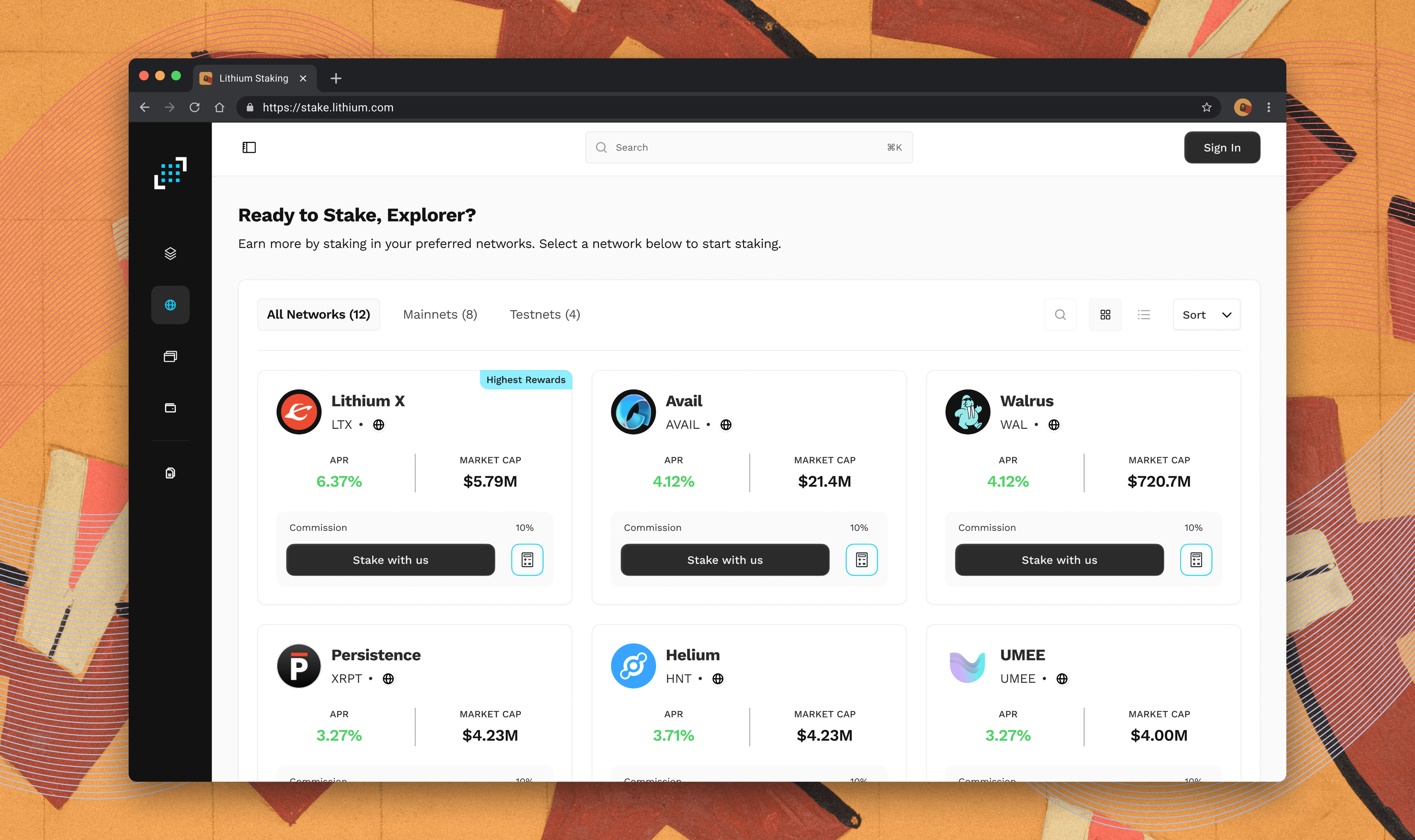
→ We replaced this with a single-scrollable view that grouped protocols with visual distinctions and a simplified dashboard to perform all actionsInitially, we required users to connect wallet before seeing anything
→ We delayed wallet connection until after protocol selection and estimation — giving users more control
Every week, we tested and reviewed feedback. I tracked recurring friction points, collaborated with devs to scope feasibility, and revised the flows.
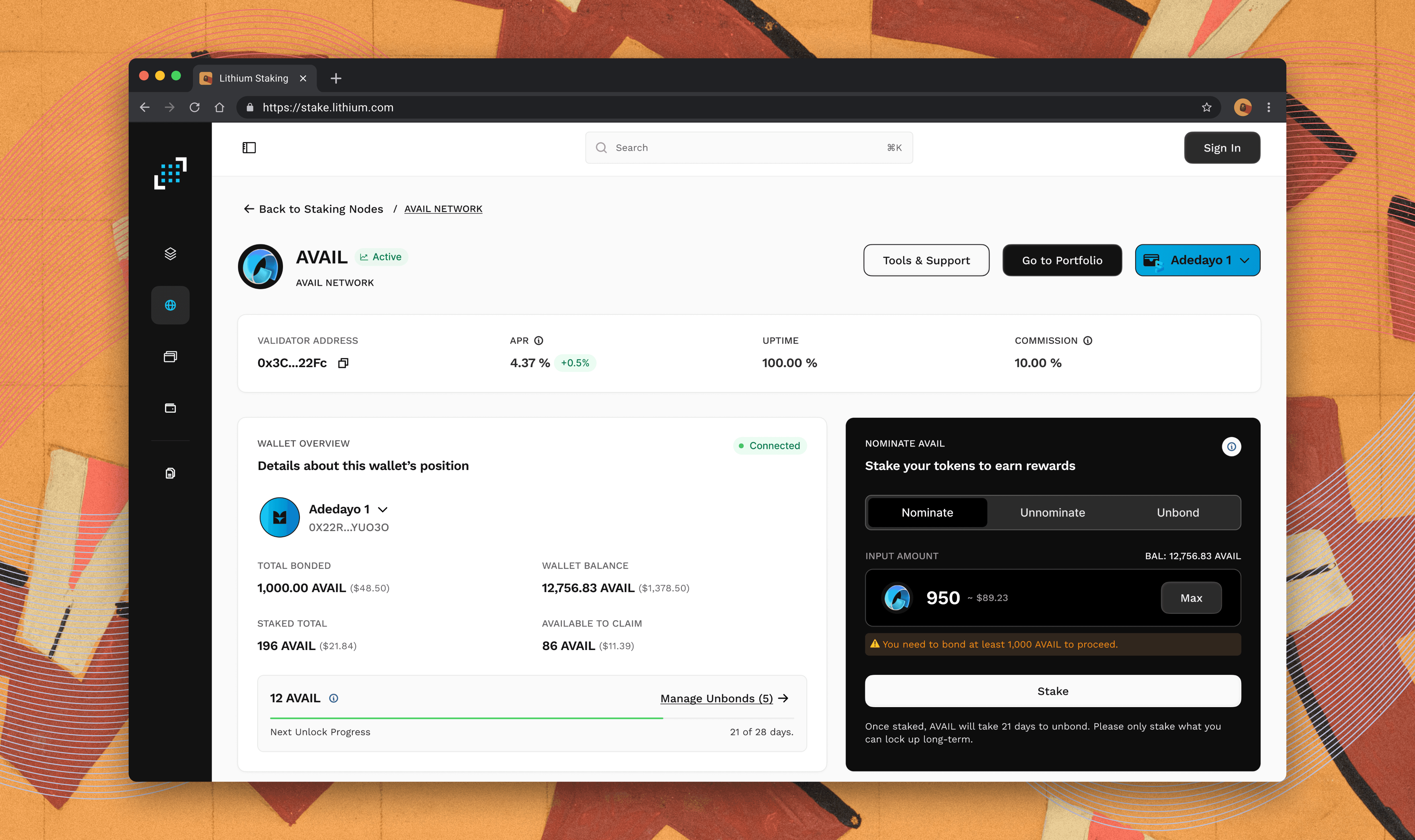
Stake Asset
Where We Landed
The final product was a responsive staking dashboard that allowed users to:
Browse available staking protocols with clarity and visual hierarchy
See projected yields and terms before committing
Connect wallets only when needed
Stake and manage positions with confidence
The desktop-first layout improved first-time completion rates significantly during internal testing, and the consistent UI helped cut down on user confusion.
Node Explorer
Zilliqa Migration Console