Building Vizible’s First Design System for Scalable, Consistent Product Growth
As our product evolved and our visual identity started to take shape, we faced a growing need for consistency — in our UI, our workflows, and our handoff process. Design was starting to feel fragmented. Each product page, component, or flow was being styled in isolation.
We needed a system — something foundational, scalable, and true to the brand we were building from the ground up.
Client
Vizible Labs
DELIVERABLES
Design tokens, UI components, Design system
Year
2024
Role
Product Designer
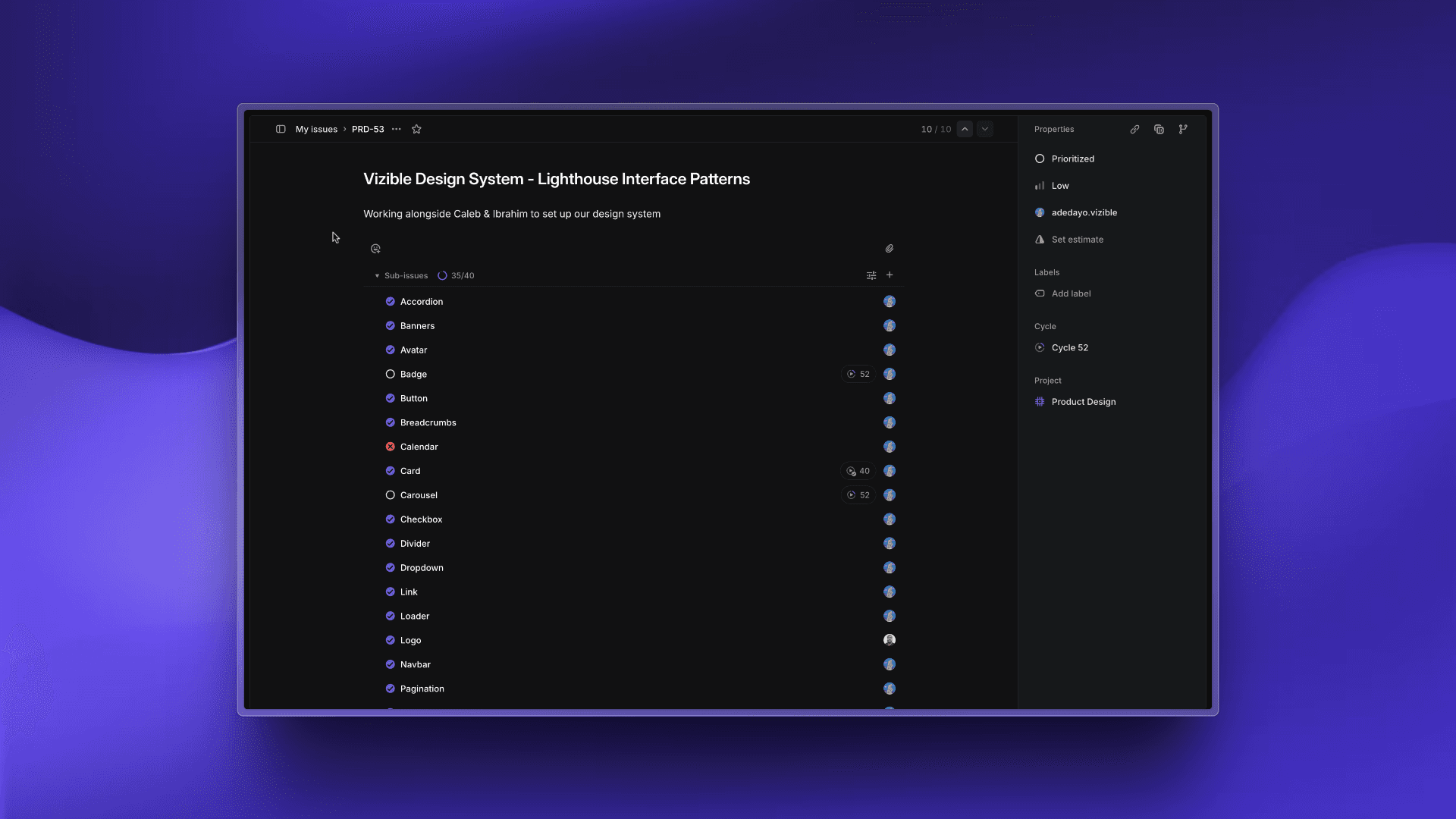
Lighthouse Interface Patterns - Linear Tracking
What I Stepped Into
Vizible was undergoing a major product redesign while also redefining its brand identity. We were adding new features, improving mobile responsiveness, and increasing content types — but each change meant more UI patterns, more one-off elements, and more opportunities for visual drift.
It became clear: if we wanted to scale without losing our identity, we needed a unified design system — one that reflected Vizible’s evolving brand and could be applied across all user touchpoints with speed and precision. That’s how Lighthouse was born.
I was the product designer responsible for building this system from the ground up, working closely with our design lead, brand designer, and developer.
What Wasn’t Working
Before Lighthouse, Vizible’s design process faced several challenges:
Inconsistent use of colors, typography, and spacing
Components styled differently across desktop and mobile
Developers recreating UI from scratch for each feature
Delays in handoff due to unclear specs or missing states
No single source of truth for component usage or behavior
These inefficiencies slowed us down and made it harder to deliver a cohesive, brand-aligned experience.
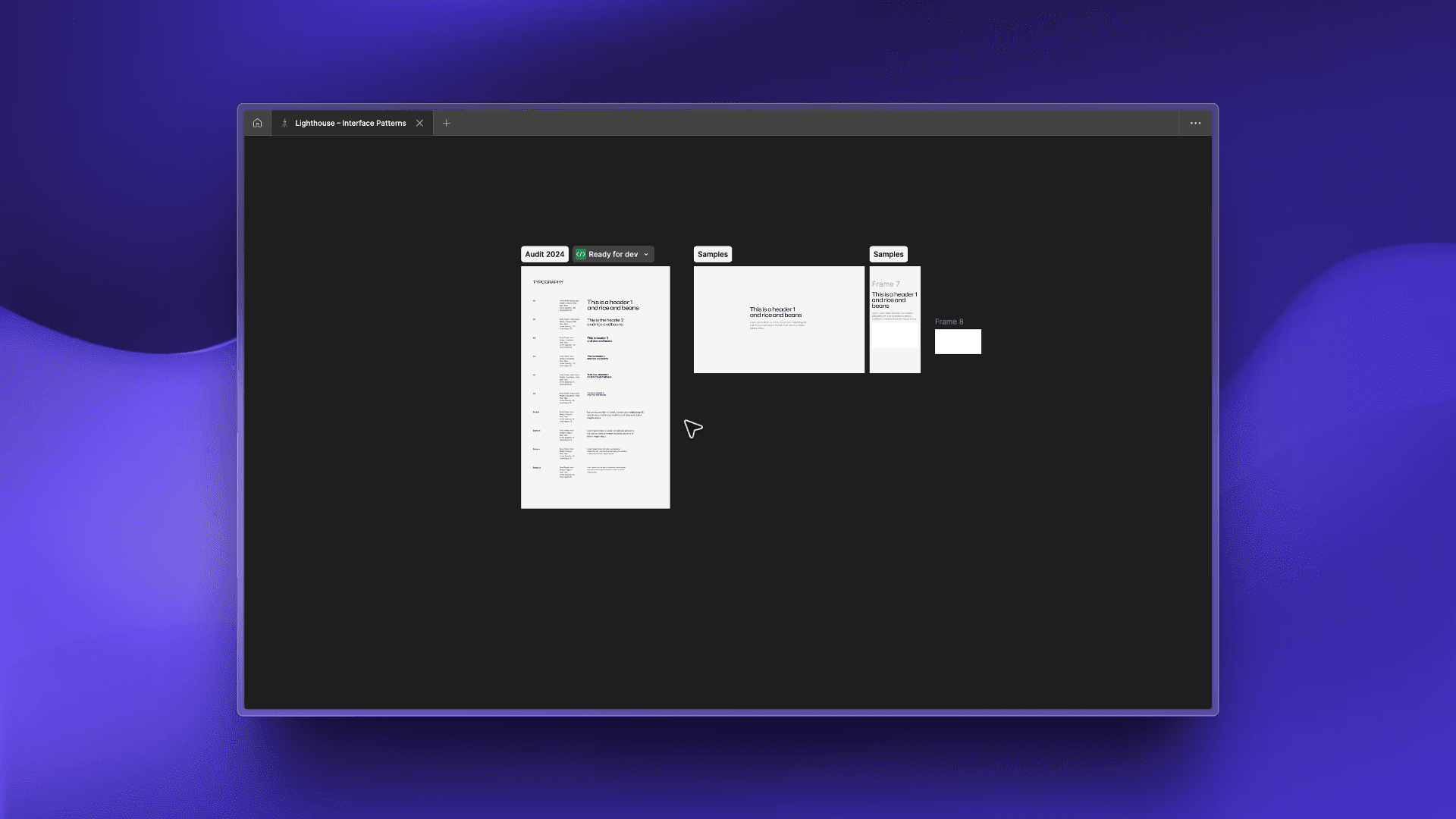
Token - Typography
What We Tried and Changed
We began with a complete audit of existing components, listing every variant and usage pattern in Linear. Then:
Designed each component in Figma as its own dedicated page (atoms → molecules → organisms)
Built accessibility into defaults (contrast ratios, focus states, keyboard navigation)
Tested components in Chromatic to ensure visual consistency across browsers
Logged all updates in a change log for developers to track
Considered edge cases upfront — empty states, error messages, loading spinners
One major early decision was to start with typography and color tokens before touching components. These became the foundation of the system, ensuring that all visual styles aligned before assembly.
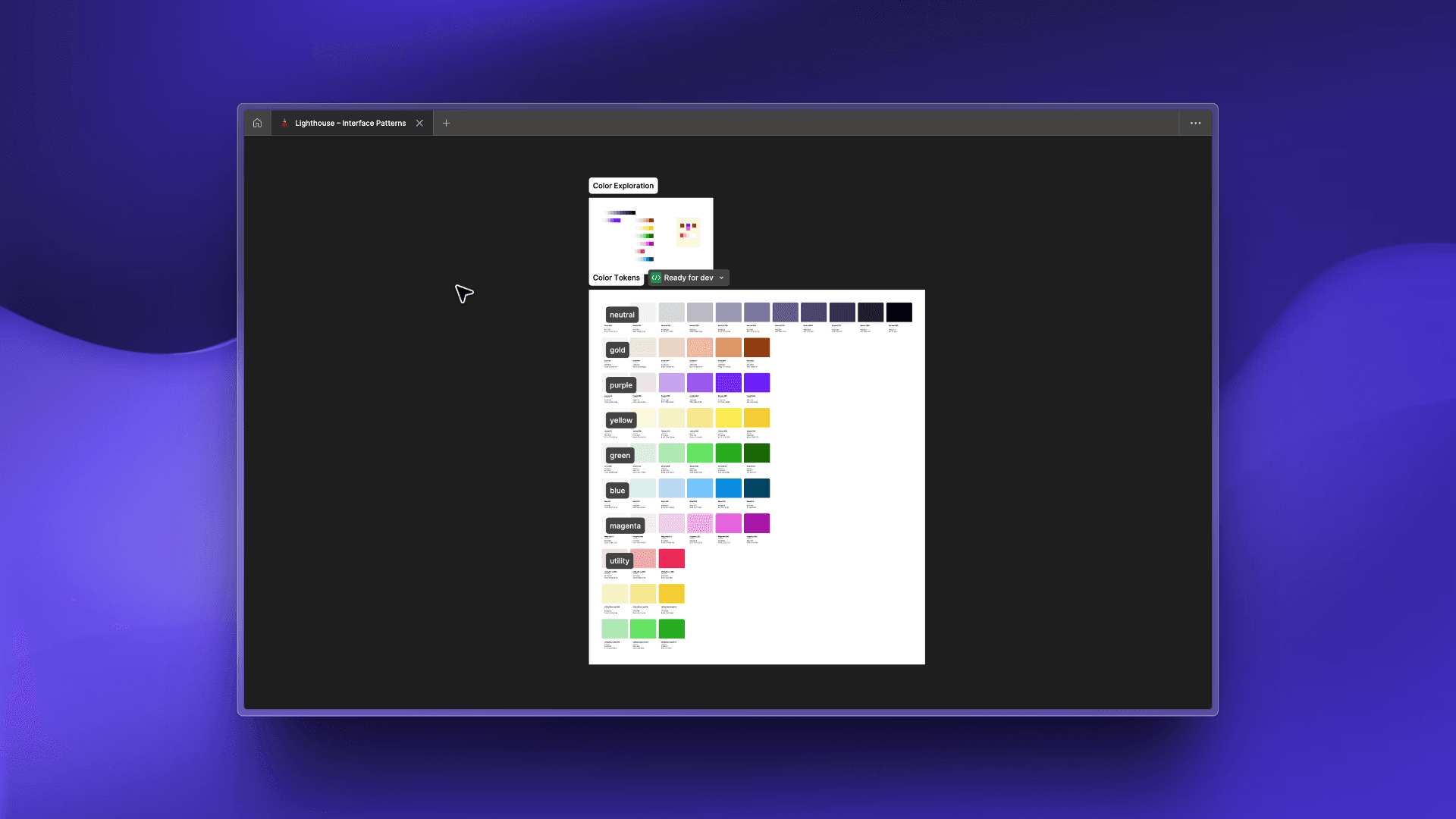
Token - Colors
How We Approached It
We wanted Lighthouse to be more than a set of UI kits — it needed to be a living, breathing system that:
Reflected the brand — using updated typography, color, and spacing rules
Empowered developers — with Storybook-ready, production-accurate components
Scaled with the product — adaptable enough to handle new features without breaking
Reduced decision fatigue — so designers could focus on solving user problems, not debating button radii
Every design choice — from button shadows to error states — was weighed against these principles.
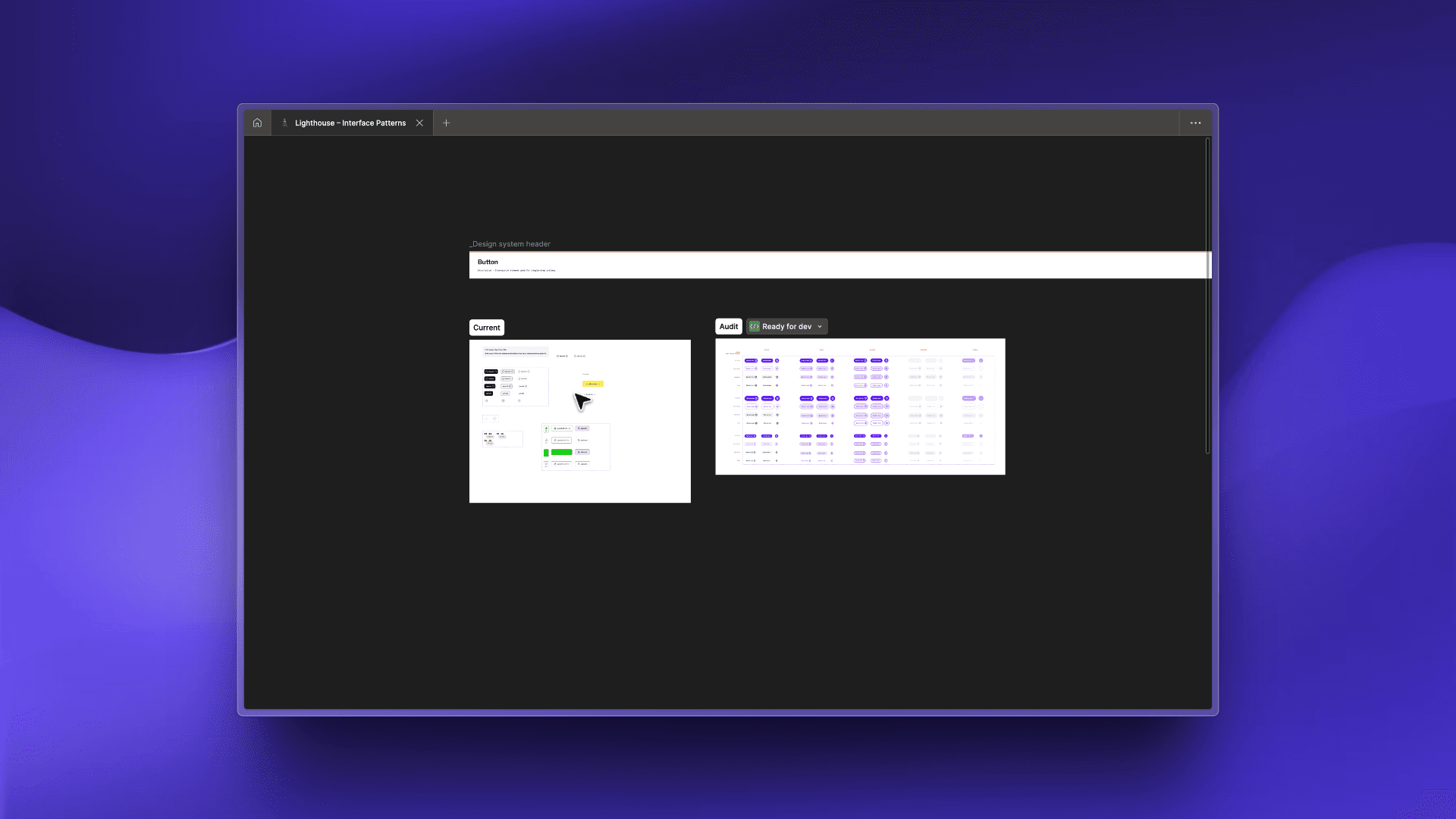
Components - Buttons
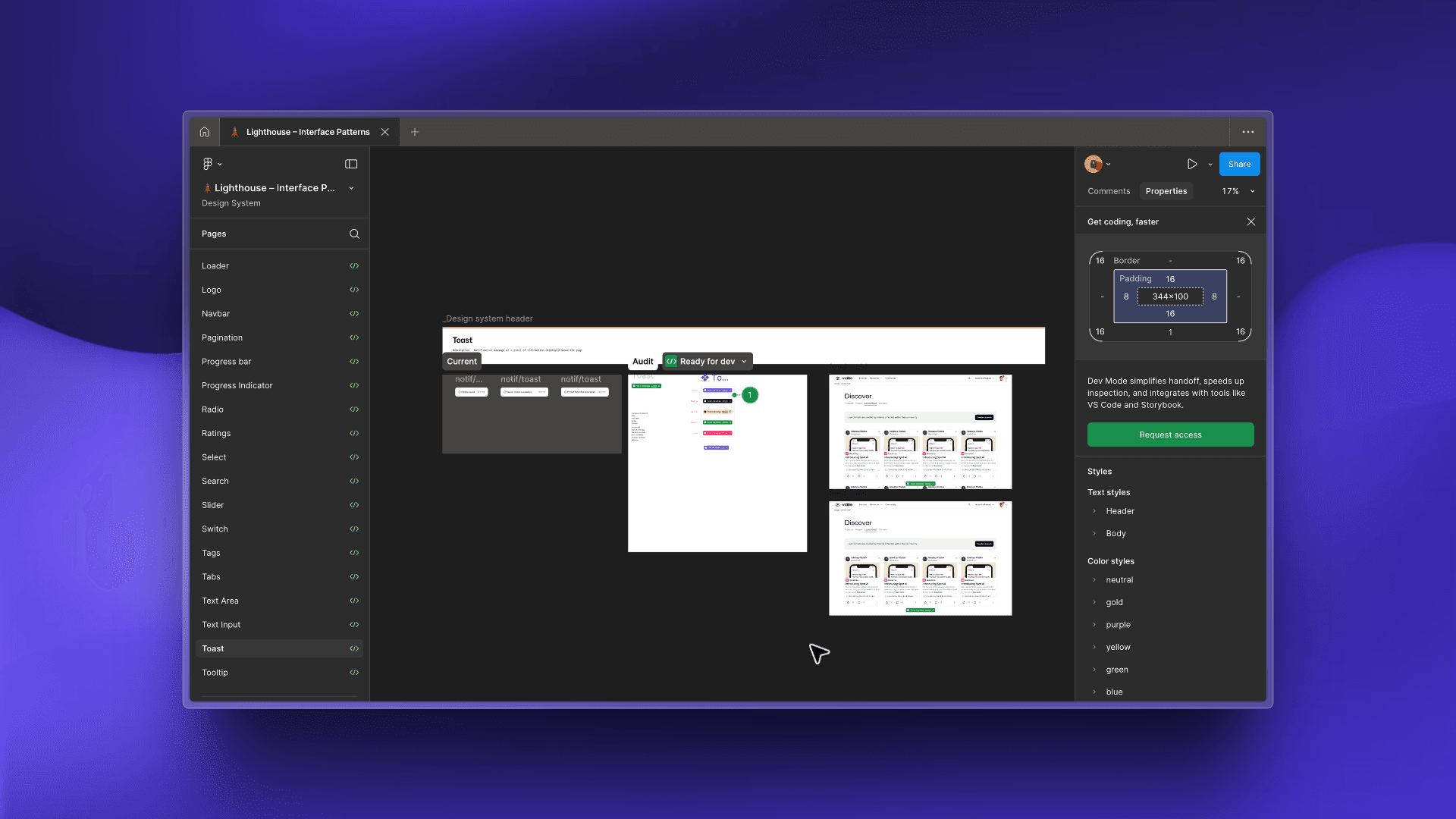
Components - Toast
Where We Landed
Lighthouse became Vizible’s design backbone, delivering:
40+ reusable components
50% faster design-to-dev turnaround
Consistent branding across all redesigned pages
Clear documentation for usage, states, and interactions
A shared visual language between design and engineering
It powered the Vizible platform redesign and is now baked into every new feature release.
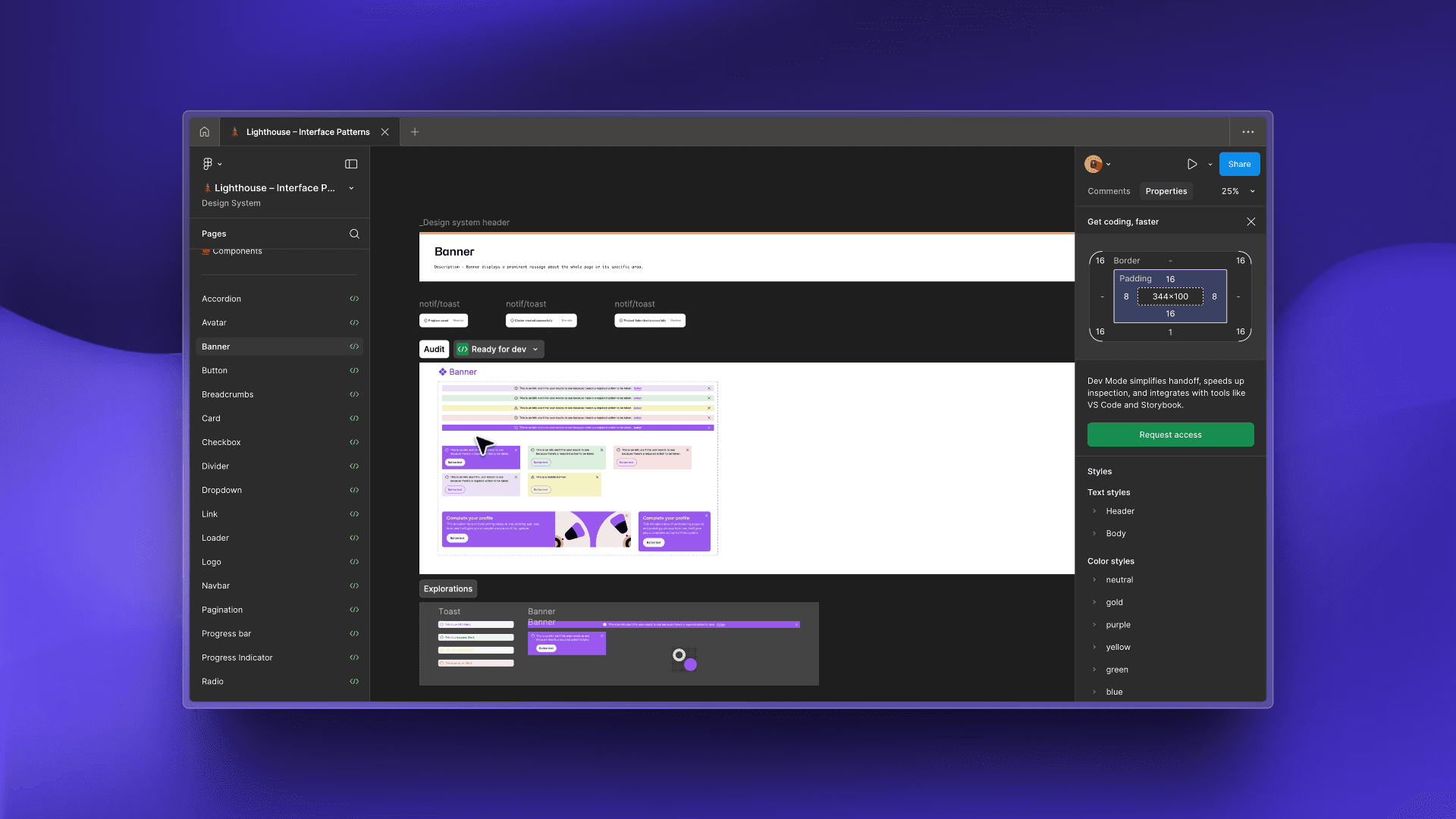
Components - Banner
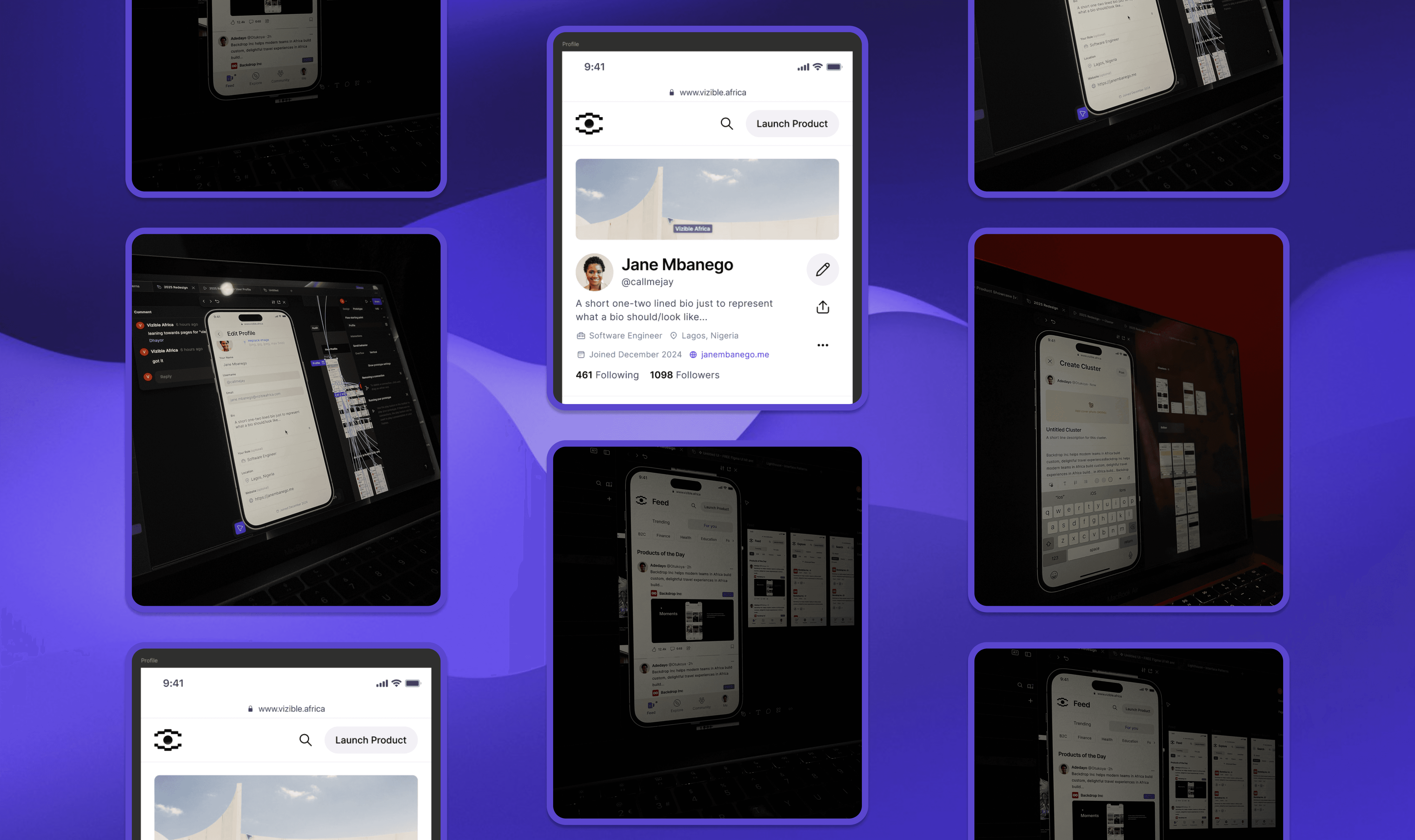
📸 Lighthouse.
What I Learned
Building Lighthouse reinforced that a design system is never “done” — it’s a living product.
More than a toolkit, Lighthouse gave Vizible speed, clarity, and a cohesive identity — no matter how fast the product evolved.